" " " "

Hardware Peripherals

How to Choose the Best Hardware Peripherals in Bangalore

Selecting the right hardware peripherals depends on your needs.

Choose multifunction printers, affordable storage devices, and durable keyboards.

Invest in ergonomic keyboards, high-resolution monitors, noise-canceling headsets, and reliable networking devices.

Prioritize color-accurate monitors, graphic tablets, and high-performance GPUs.

Look for low response time monitors, mechanical keyboards, and high-DPI gaming mice.

Ensure scalability, compatibility, warranty support, and availability of service centers in Bangalore.
Hardware Peripherals:

Complete Guide to Computer Accessories & Devices in Bangalore

When we think about a computer, we often imagine a laptop or desktop system. However, a computer is more than just a processor and a monitor. It functions as a complete ecosystem of hardware peripherals that expand its performance, usability, and connectivity.

Major Types of Hardware Peripherals

Our Input Devices:

  • Keyboard & Mouse
  • Scanner
  • Microphone & Webcam
  • Graphic tablet
  • Barcode scanner€
  • Biometric devices
Major Types of Hardware Peripherals

Our Output Devices:

  • Monitor / Display
  • Printer
  • Speakers
  • Headphones
  • Projector
  • Plotter
Storage Devices
  • External hard drives
  • USB flash drives
  • External SSDs
  • Memory cards
  • Network Attached Storage (NAS)
Networking Devices
  • Router
  • Modem
  • Network adapter
  • Wi-Fi dongle
  • Switches
  • Access points

Internal vs External Hardware Peripherals

Not all hardware peripherals are visible outside your system.

Internal Hardware Peripherals
  • Graphics cards
  • Sound cards
  • Network Interface Cards (NIC)
  • Internal storage drives
  • Cooling systems
External Hardware Peripherals
  • External hard drives
  • Webcams
  • External DVD writers
  • Wireless keyboards and mice
  • Docking stations

Wired vs Wireless Hardware Peripherals

Wired Peripherals
  • Stable connection
  • No battery required
  • Ideal for gaming and office setups
  • Low Latency
Wireless Peripherals
  • Cable-free convenience
  • Portable and flexible
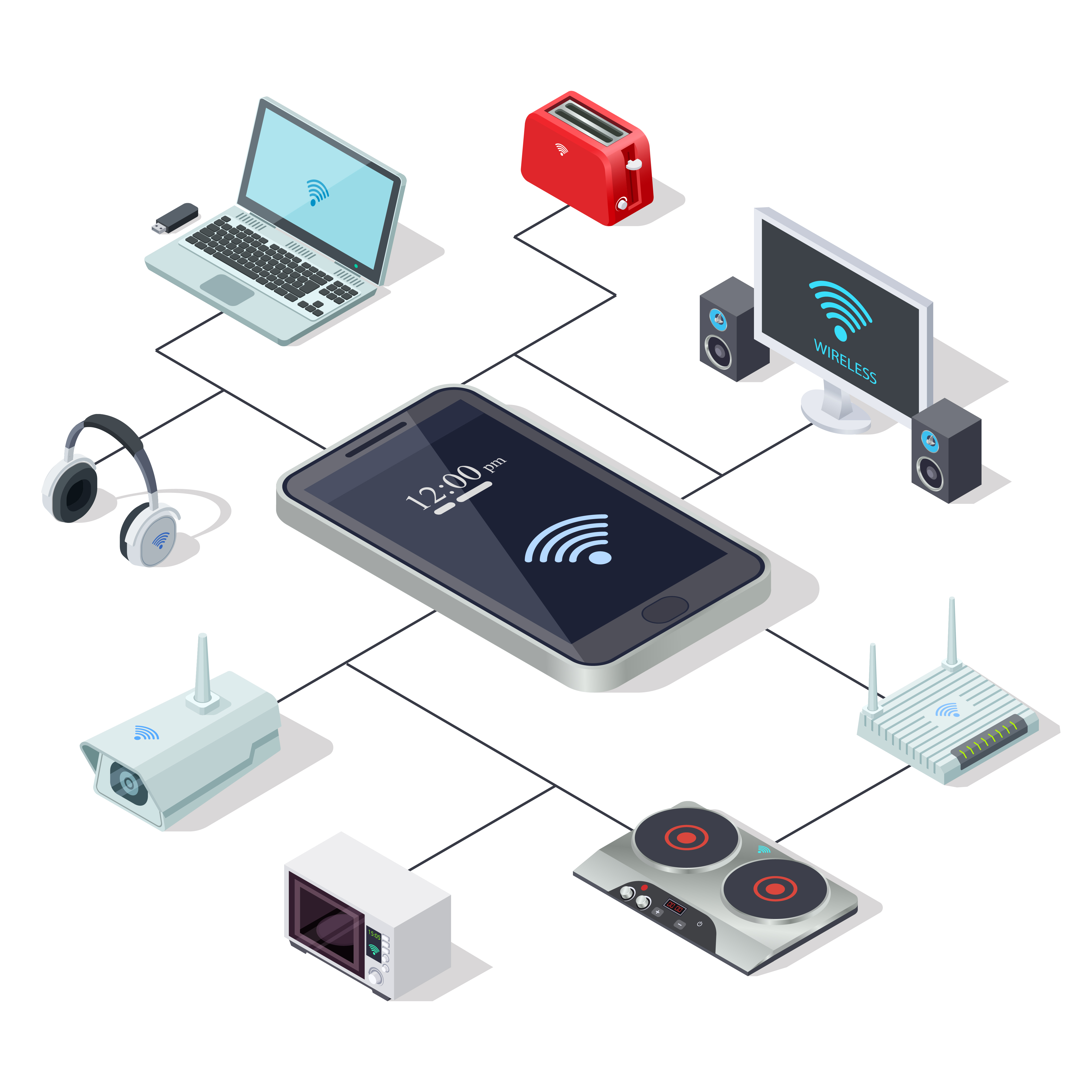
  • Uses Bluetooth or Wi-Fi
  • Clean workspace setup
How to Check Compatibility of Hardware Peripherals
  • Operating System Support (Windows, macOS, Linux)
  • Available Ports (USB-C, USB 3.0, HDMI, Ethernet)
  • Driver Requirements
  • Power Requirements
  • System Specifications
  • Warranty and Service Availability in Bangalore

Where to Buy Hardware Peripherals in Bangalore

Authorized brand stores
IT hardware distributors
Online marketplaces
Local computer markets in SP Road
Corporate IT solution providers
Scroll